
Posting a classified ad should be simple. Here's exactly what the real YalaFind posting flow looks like today, with real screenshots from the live site — including the parts that are still account-gated, so you know what to expect before you start.
Step 1: Decide what you're posting
YalaFind organizes every ad into one of 14 categories: Electronics, Vehicles, Property, Jobs, Furniture, Clothing, Home & Garden, Sports, Books, Services, Kids & Baby, Community, Fashion, and Pets. You'll pick one of these when you create your ad — the same category list shown on the live listings page below.

Step 2: Go to Post Ad and sign in
Tap "+ Post Free Ad" from anywhere on the site, or go straight to yalafind.com/post-ad. This is the real screen you'll land on — YalaFind requires a free account before you can post, which is what keeps the marketplace spam-free:

Notice the three trust points YalaFind shows right here, before you even sign in:
- Every ad is reviewed before it goes live — your post doesn't publish instantly, it goes through moderation first.
- Your contact info stays private until you choose to share it — buyers reveal your number, they don't just see it plastered on the page.
- Message buyers safely, on-platform — you can keep the conversation inside YalaFind instead of handing out personal numbers upfront.
You can sign in with email + mobile number, or continue with Google. Both create a real YalaFind account.
Step 3: Fill in your ad details and add photos
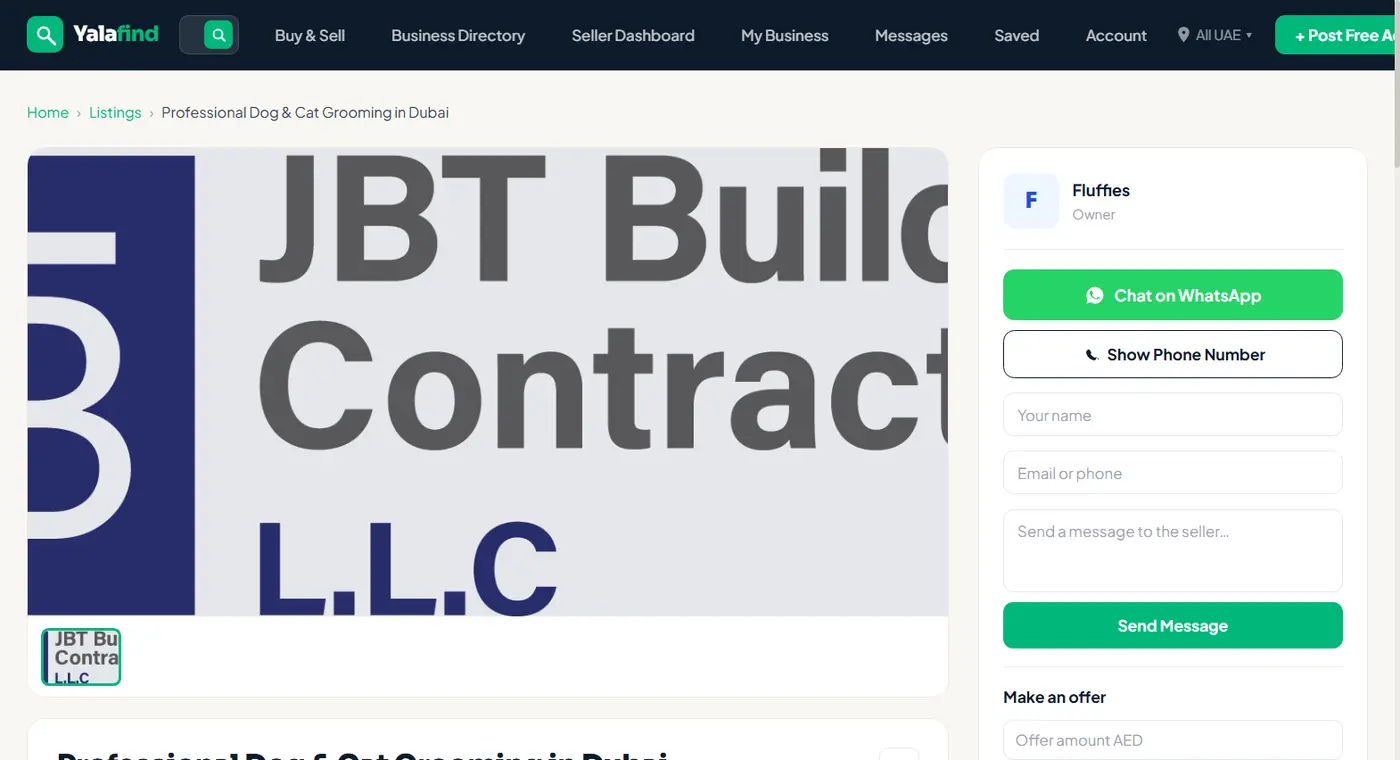
Once you're signed in, the posting form asks for the usual essentials: title, description, price (or "contact for price"), condition, and location (emirate + area). Photos matter — listings with clear photos get far more attention than text-only posts, and YalaFind's own listing pages are built around a large primary image, as you can see on any live listing:
A note on transparency: the sign-in step above is as far as we could go without creating and logging into a real account. What happens after sign-in — the category picker, the detail form, photo upload, and the review/reCAPTCHA step — is accurately described here based on YalaFind's real, confirmed posting flow, but we're not showing screenshots of screens that require a logged-in session we didn't create.
Step 4: Submit for review
YalaFind ads don't go live the second you hit submit. As the sign-in screen states outright, every ad is reviewed before publishing. That's a deliberate trade-off: it takes a little longer than instant posting, but it keeps the marketplace free of spam and scam listings — a small wait in exchange for a cleaner marketplace for everyone browsing it.
Step 5: After it's approved
Once approved, your ad appears in its category and in search, buyers can message you, reveal your contact number (only when they choose to), or send you a direct offer right from the listing page. If you run an actual business rather than a one-off sale, it's worth also registering a business directory profile — that's a separate, claimable profile page with reviews, distinct from a single ad.